


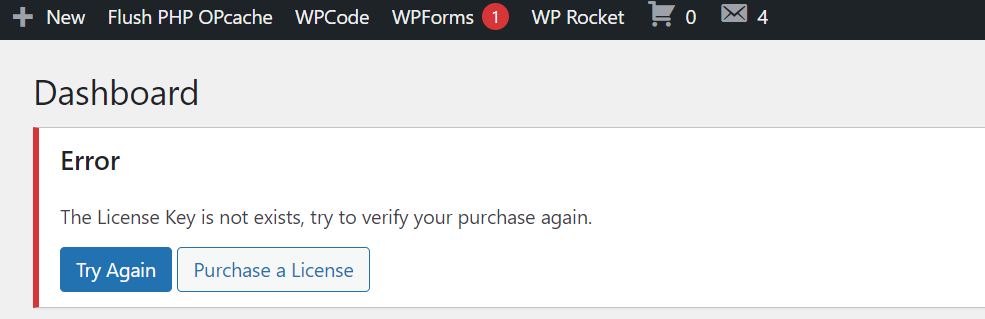
Yes, We can easily able to hide this kinds of error message from WordPress admin dashboard.
It’s very easy we have to edit one functions including it’s id or class display none style. Now I will discuss it very easy way.
- Go to Code Snippets, then Add a Snippet.
- Here Add Title for Snippet, then select Code Type as PHP Snippet and Location as Run Everywhere.
- Now you have to add the below functions:

function custom_admin_styles() {
echo '<style>
.notice, .discy-notice, .notice-error { display: none !important; }
div#mobile-activation-error { display: none !important; }
</style>';
}
add_action('admin_head', 'custom_admin_styles');
Here you have to change your error class or id.
- Then make Save to Library Snippet Status: Inactive to Activate and Save.

This it the process to hide update or error message from WordPress dashboard.
If you have any easy or better way, you can share here.