



• We Accept •

🔒 100% Secure Checkout • Multiple Payment Options • Buyer Protection
$9.99
In Stock
About Crocoblock Plugins License Key for WordPress – Lifetime Updates:
🔒 100% Secure Checkout • Multiple Payment Options • Buyer Protection
Get the Crocoblock Wizard License Key for WordPress and simplify the installation, management, and updating of Crocoblock JetPlugins.
Crocoblock Wizard is the official installation and management tool designed for Crocoblock users. It provides a convenient way to install JetPlugins, themes, skins, demo content, and other Crocoblock components directly from your WordPress dashboard.
With a valid Crocoblock license, the Wizard can help you install the required JetPlugins, select the plugins you need, configure your Crocoblock installation, and manage updates from your WordPress website.
Crocoblock Wizard is an official WordPress installation and management tool from Crocoblock.
It is designed to make installing and configuring Crocoblock products easier. After installing the Wizard on your WordPress website, you can use it to install JetPlugins, themes, skins, and other supported Crocoblock components.
Crocoblock’s official documentation explains that the Wizard can be downloaded from the Downloads and Extras section of a Crocoblock account and is available to users with eligible All-Inclusive and Lifetime access.
The Wizard can also guide you through the Crocoblock installation process, including entering a license key and selecting the appropriate installation type.
Install the Crocoblock JetPlugins you need directly through the WordPress dashboard.
Instead of manually downloading and installing every plugin individually, the Wizard provides a streamlined installation process.
The Wizard guides you through the Crocoblock setup process and helps you configure the required products for your website.
After completing the setup, Crocoblock adds management options to your WordPress dashboard, allowing you to manage available JetPlugins and updates included with your subscription.
With an eligible Crocoblock license, you can receive available JetPlugin updates through the WordPress dashboard.
Crocoblock states that its Lifetime plan includes forever product updates for the products included in that plan.
The Crocoblock Wizard can also assist with installing supported themes and theme-related components.
Crocoblock’s documentation specifically describes using the Wizard to install themes such as Kava and work with other supported themes.
The Wizard can be used for supported Crocoblock installation options such as demo content, skins, and other setup components.
This makes it easier to get a new Crocoblock website up and running.
The installation process is designed to be straightforward, making it useful for both experienced WordPress developers and users who want a simpler Crocoblock setup process.
The Crocoblock Wizard can help you:
Crocoblock Wizard works with the Crocoblock ecosystem and can help install the JetPlugins included in your applicable license plan.
Crocoblock currently lists 22 JetPlugins in its Lifetime plan, including:
The exact plugins and features available depend on the Crocoblock license plan associated with the activation.
Install Crocoblock products without manually handling every plugin individually.
Manage Crocoblock-related products from your WordPress dashboard.
The Wizard simplifies the initial Crocoblock installation process.
With an eligible license, supported JetPlugins can receive updates through your WordPress dashboard.
The Wizard is particularly useful for developers, freelancers, agencies, and Elementor users working with Crocoblock.
Crocoblock Wizard can be useful for:
This OFHIT product is offered as a Crocoblock Wizard license activation service.
After placing your order, our team can activate the applicable license on your WordPress website according to the purchased offer.
1. Place Your Order
Purchase the Crocoblock Wizard License Key from OFHIT.
2. Provide Website Access
Provide temporary WordPress administrator access or another supported temporary login method if activation is being performed by our team.
3. License Activation
Our team completes the Crocoblock Wizard license activation on your website.
4. Install & Manage JetPlugins
Once activated, you can use the Wizard to install and manage the Crocoblock products available under the applicable license.
Crocoblock Wizard is an official installation and setup tool for Crocoblock products. It helps users install JetPlugins, themes, skins, demo content, and other supported Crocoblock components.
The Wizard itself does not independently provide every JetPlugin. The available JetPlugins depend on the associated Crocoblock subscription or license plan.
Yes. Crocoblock is designed to work with Elementor, and the Wizard can be used to install and configure Crocoblock’s Elementor-related products. Crocoblock currently states that its JetPlugins are fully compatible with Elementor.
Yes. Crocoblock’s Wizard can be used to install JetPlugins, including JetEngine when it is included in the applicable license.
Yes. After setup, Crocoblock provides dashboard functionality for managing and updating products included in your subscription.
Yes. Crocoblock currently states that its Lifetime plan provides forever product updates and forever support for the products included in the plan.
If you purchase an activation service, temporary WordPress access may be required so our team can complete the activation.
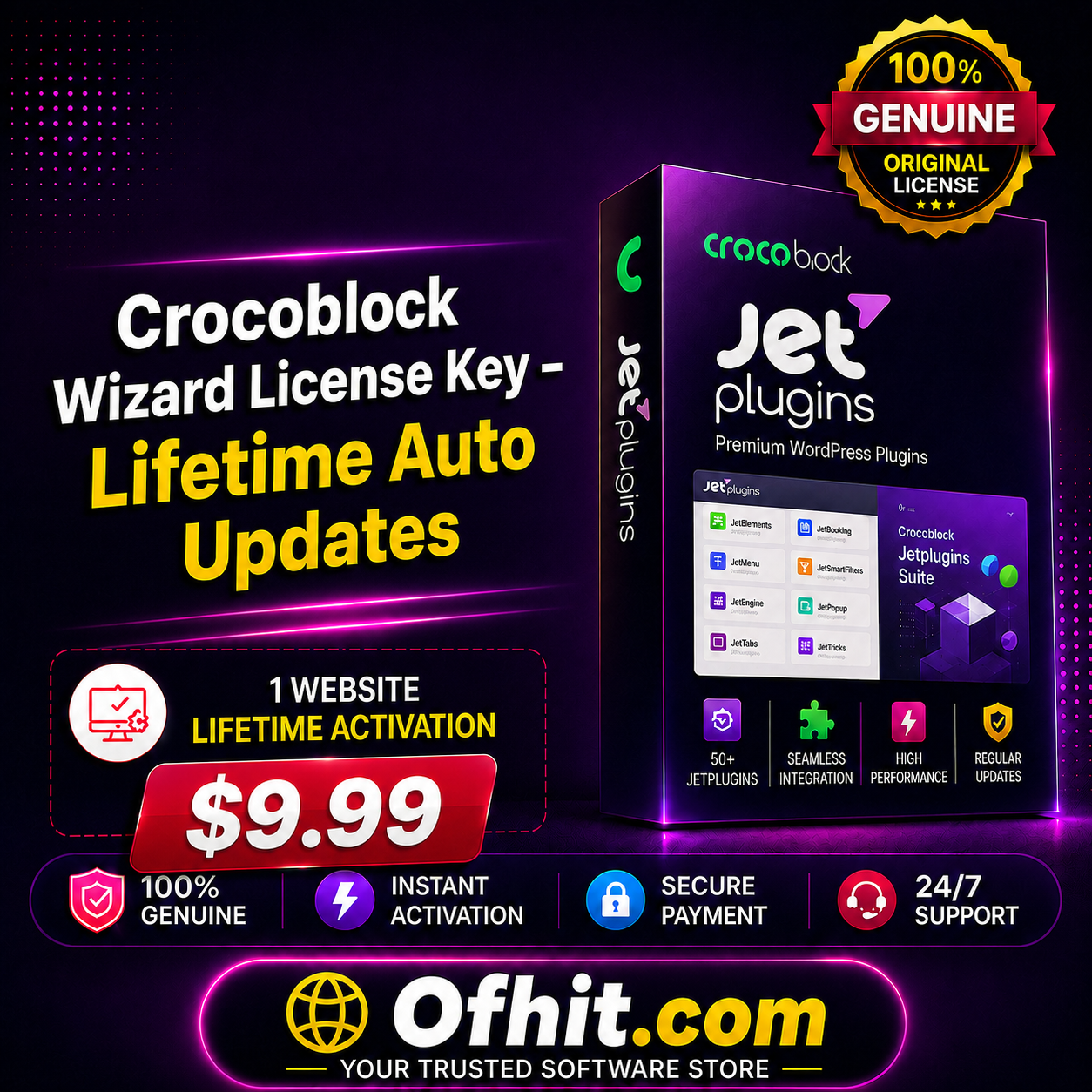
 Crocoblock Wizard License Key – Lifetime Auto Updates

Best Selling - Plugins


Best Selling - Plugins




License Activation


Best Selling - Plugins

Best Selling - Plugins

License Activation


Best Selling - Plugins


Reviews
There are no reviews yet