

• We Accept •

🔒 100% Secure Checkout • Multiple Payment Options • Buyer Protection
$27.99 – $48.99Price range: $27.99 through $48.99
In Stock
About EaseUS Partition Master Professional License Key:
🔒 100% Secure Checkout • Multiple Payment Options • Buyer Protection


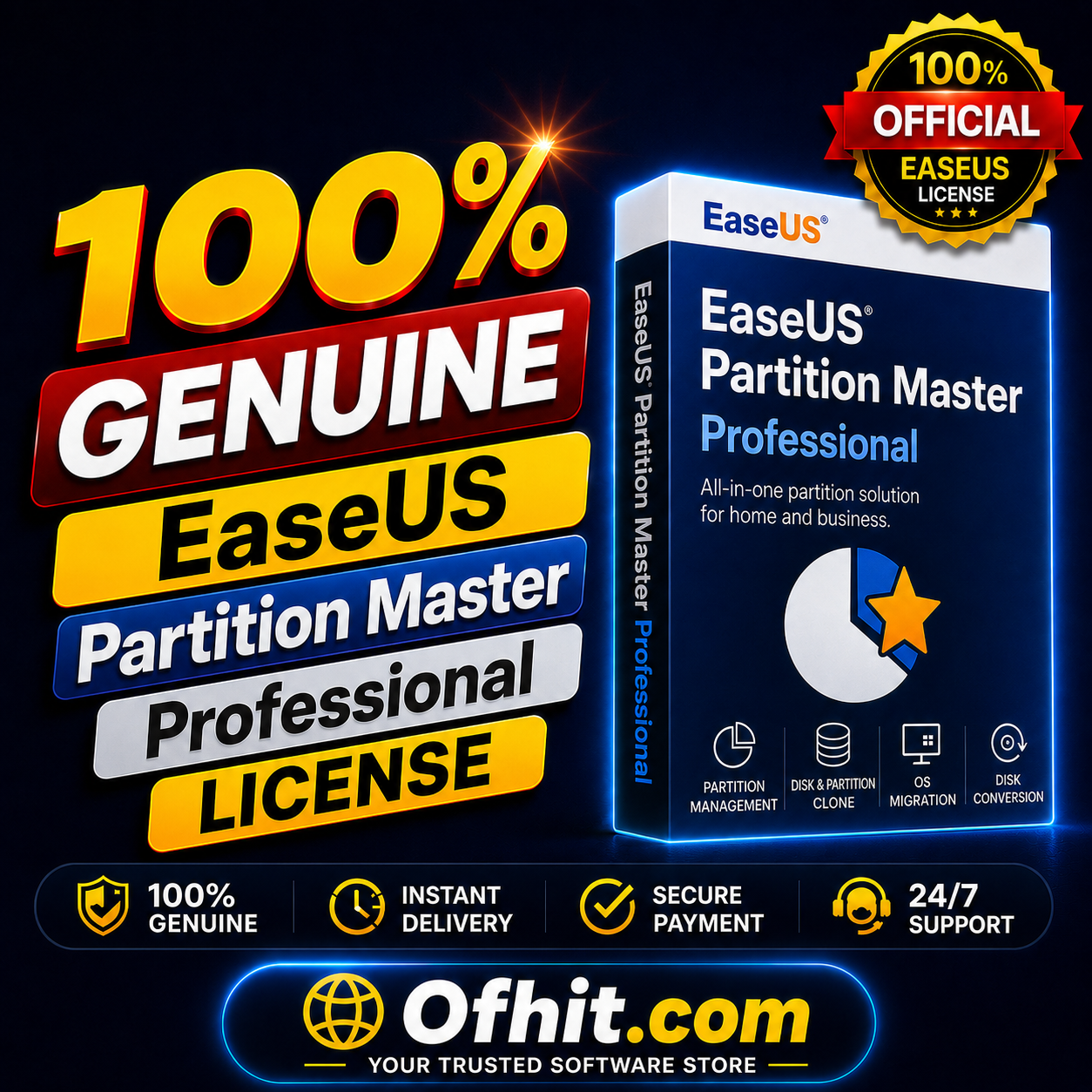
EaseUS Partition Master Professional is an advanced partition management software designed for home users, professionals, and IT technicians who need greater control over their computer’s storage devices. It combines essential disk management tools with powerful cloning, migration, recovery, and optimization features in one convenient application.
Whether you need to resize a partition, upgrade from an HDD to an SSD, migrate Windows to a new drive, clone an entire disk, recover a lost partition, or organize your available storage space, EaseUS Partition Master Professional provides the tools to complete these tasks efficiently.
Its intuitive interface makes complex disk-management operations easier to understand, even for users without extensive technical knowledge.
Easily create, delete, format, resize, move, merge, split, and extend partitions according to your storage requirements.
Clone disks and migrate your operating system when moving to a larger hard drive or faster SSD without starting from scratch.
Use partition recovery tools to help locate and restore lost or accidentally deleted partitions.
Organize and manage your storage more effectively to make better use of available disk space.
Resize, move, merge, split, create, delete, format, and extend partitions without needing to reinstall Windows.
Clone an entire hard drive or SSD to another storage device for upgrades, replacements, or system migration.
Move your Windows operating system to a new SSD or HDD without having to reinstall the operating system and applications from scratch.
Recover lost or accidentally deleted partitions using dedicated partition recovery capabilities.
Convert supported disk partition styles and manage storage configurations according to your system requirements.
Manage both traditional hard disk drives and modern SSD storage devices from one application.
Organize partitions and storage space efficiently to help maintain a well-managed Windows system.
Create bootable media for performing certain disk and partition operations when Windows cannot start normally.
Optimize SSD partition alignment to help ensure efficient storage performance.
Manage modern high-capacity storage devices and partitions.
The straightforward interface makes advanced partition-management operations easier to perform.
Provides tools designed to help users manage storage operations more safely and reduce the risks associated with manual partition management.
Suitable for advanced home users, professionals, technicians, and small businesses that regularly work with storage devices.
EaseUS Partition Master Professional is advanced disk-management software that allows you to manage partitions, clone drives, migrate Windows, recover partitions, and optimize your storage.
You can use it to resize, move, merge, split, create, delete, and format partitions, as well as clone disks, migrate Windows, and recover lost partitions.
Yes. The software includes OS migration functionality that can help you move your Windows installation to another compatible HDD or SSD.
Yes. EaseUS Partition Master Professional provides disk-cloning capabilities for migrating or upgrading storage devices.
Yes. You can resize and manage supported partitions without normally needing to reinstall Windows.
The software includes partition recovery tools designed to help recover lost or accidentally deleted partitions.
Yes. EaseUS Partition Master Professional supports SSD storage devices and provides tools for managing and optimizing SSD partitions.
Yes. Its graphical interface is designed to make disk and partition management easier for users with different levels of technical experience.
Your digital license information and relevant instructions will be delivered electronically after purchase.
Yes. Installation and activation guidance can be provided if you need help setting up the software.
This product is offered as an official EaseUS Partition Master Professional license through the applicable licensing channel.
License terms can vary depending on the specific EaseUS Partition Master Professional license edition and number of devices permitted. Please check the selected license option before purchase.
| Brand | EaseUS |
|---|---|
| License Type | 100% Genuine |
| Reseller Type | Authorized Reseller |
| Media Type | Download |
| Region | Global |
| Validity | 1 Year, Lifetime |
| Device Limit | 2 PCs |
| Operating System Compatibility | Windows 11/10/8.1/8/7/Vista/XP |
Only logged in customers who have purchased this product may leave a review.
Ashley Parker –
I used this software to clone my old drive to a new SSD and the process was surprisingly simple. The instructions were easy to follow, and everything went smoothly. Definitely a useful tool for managing and upgrading storage.
Clemens –
I received a personalized and attentive treatment. Thanks to this deal, I was able to find a solution to my problem in a short time. 🙂
Kevin Martinez –
Very satisfied with EaseUS Partition Master Professional. It has a good range of disk management features, and the interface makes them easy to access. I especially appreciate the partition resizing and disk cloning options.
Rickie –
Great item! It provides too many things compared to its price charged.