
In this post, I will guide you through the process of creating a Gmail App Password, which is required for using Gmail SMTP with third-party applications.
Step 1: First, sign in to your Gmail account.
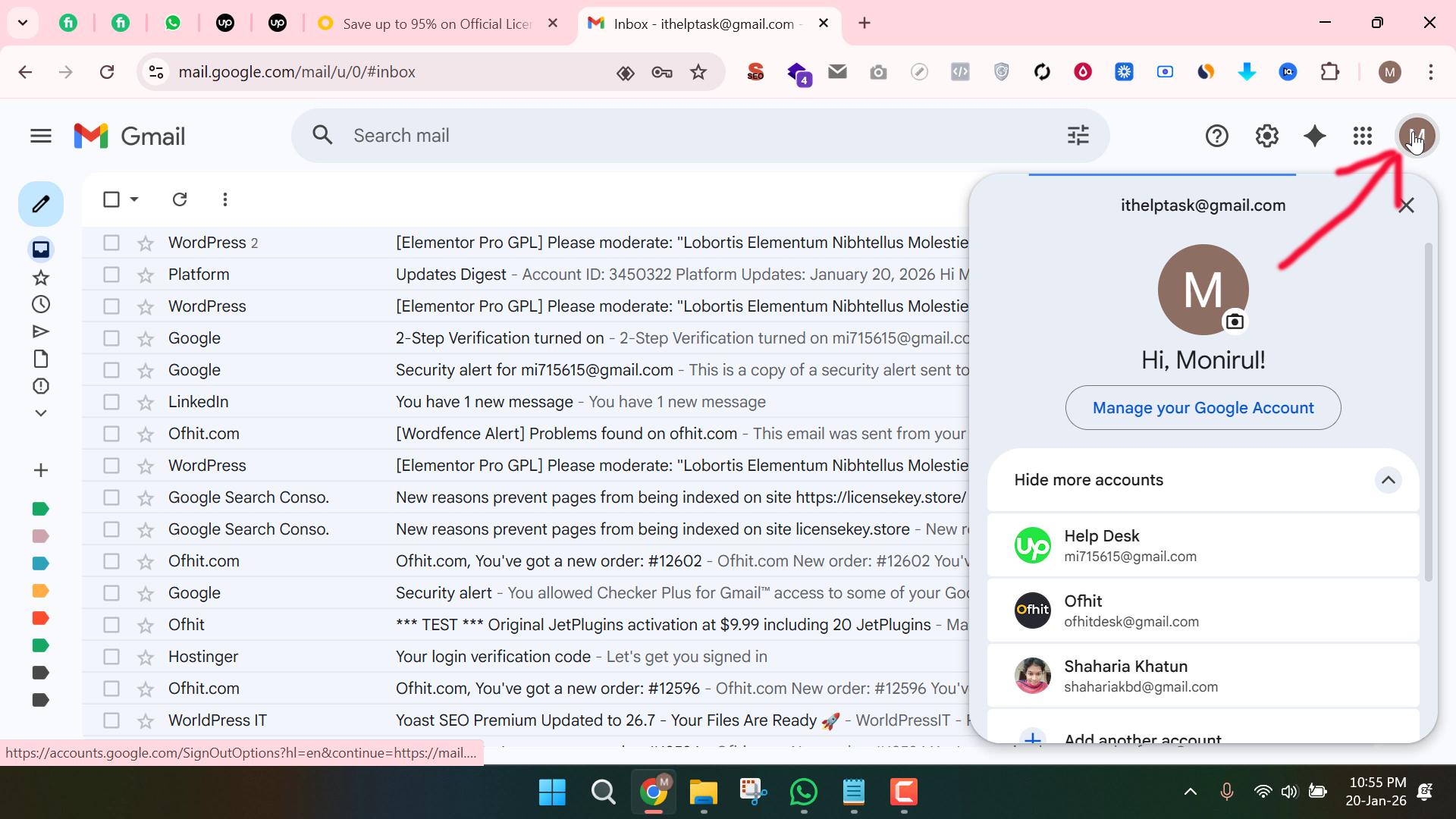
Step 2: Next, click on your profile icon in the top-right corner of the screen.
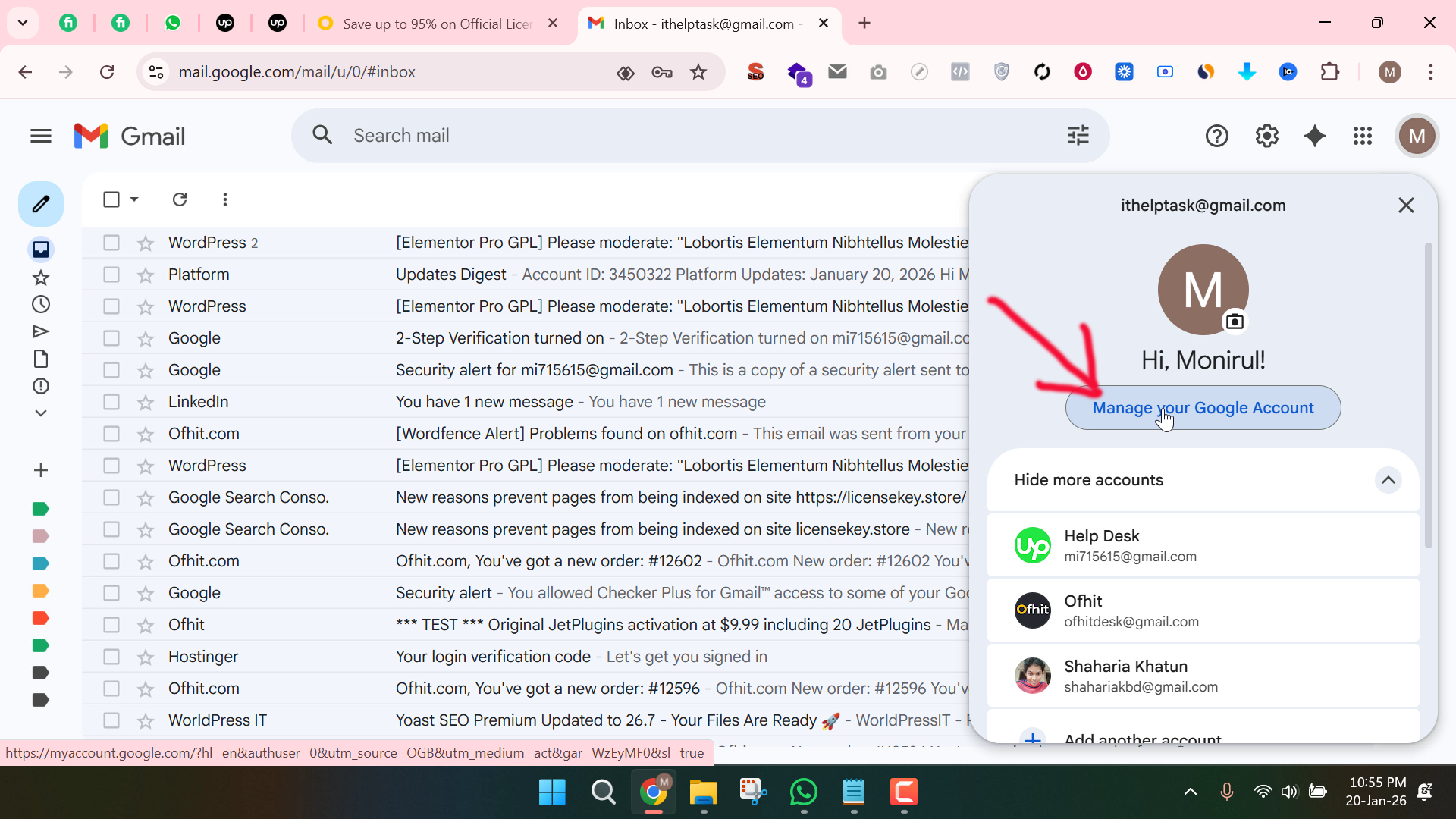
Step 3: From the menu, select Manage your Google Account.
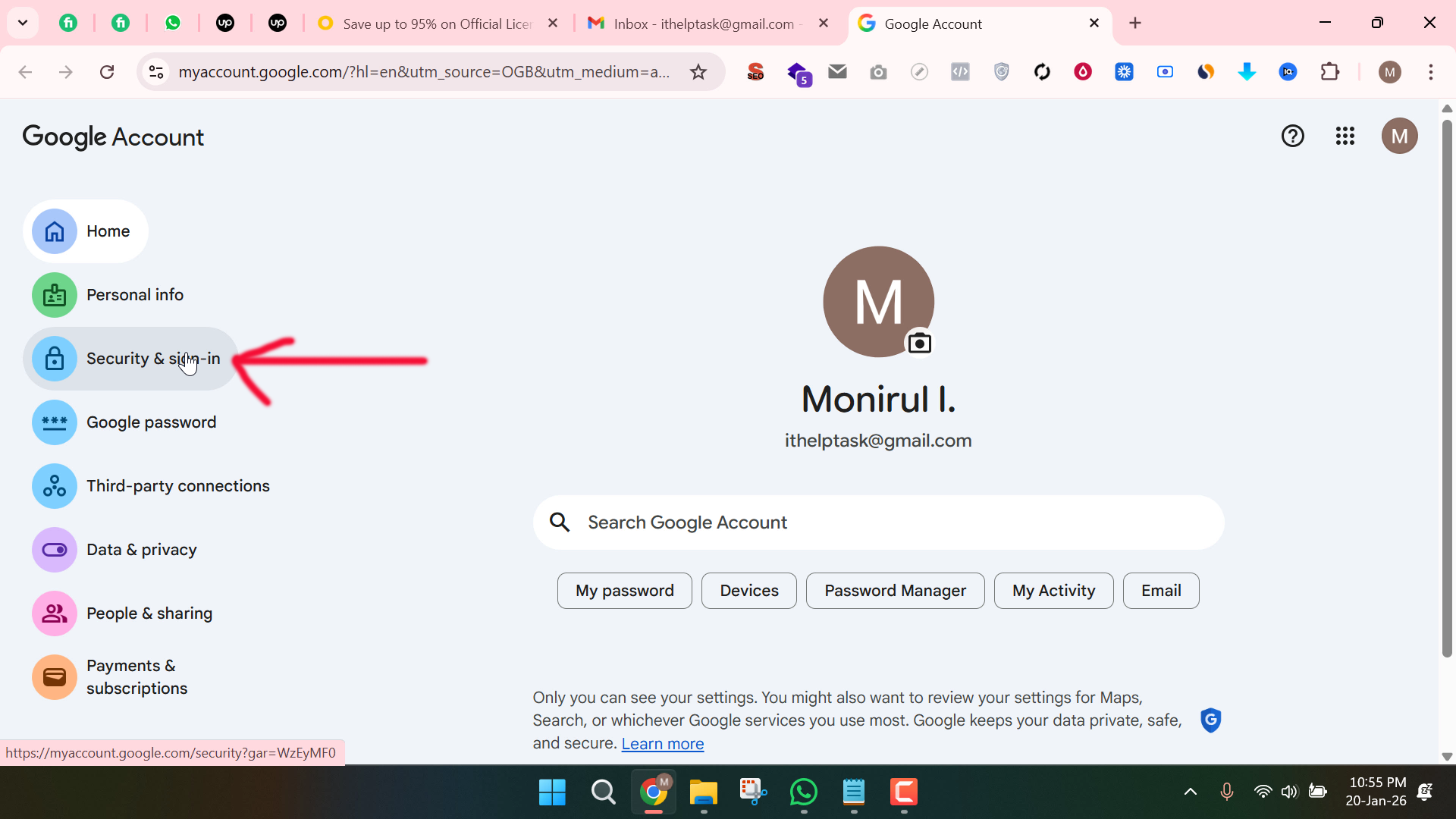
Step 4: Now, navigate to the Security and Sign in section.
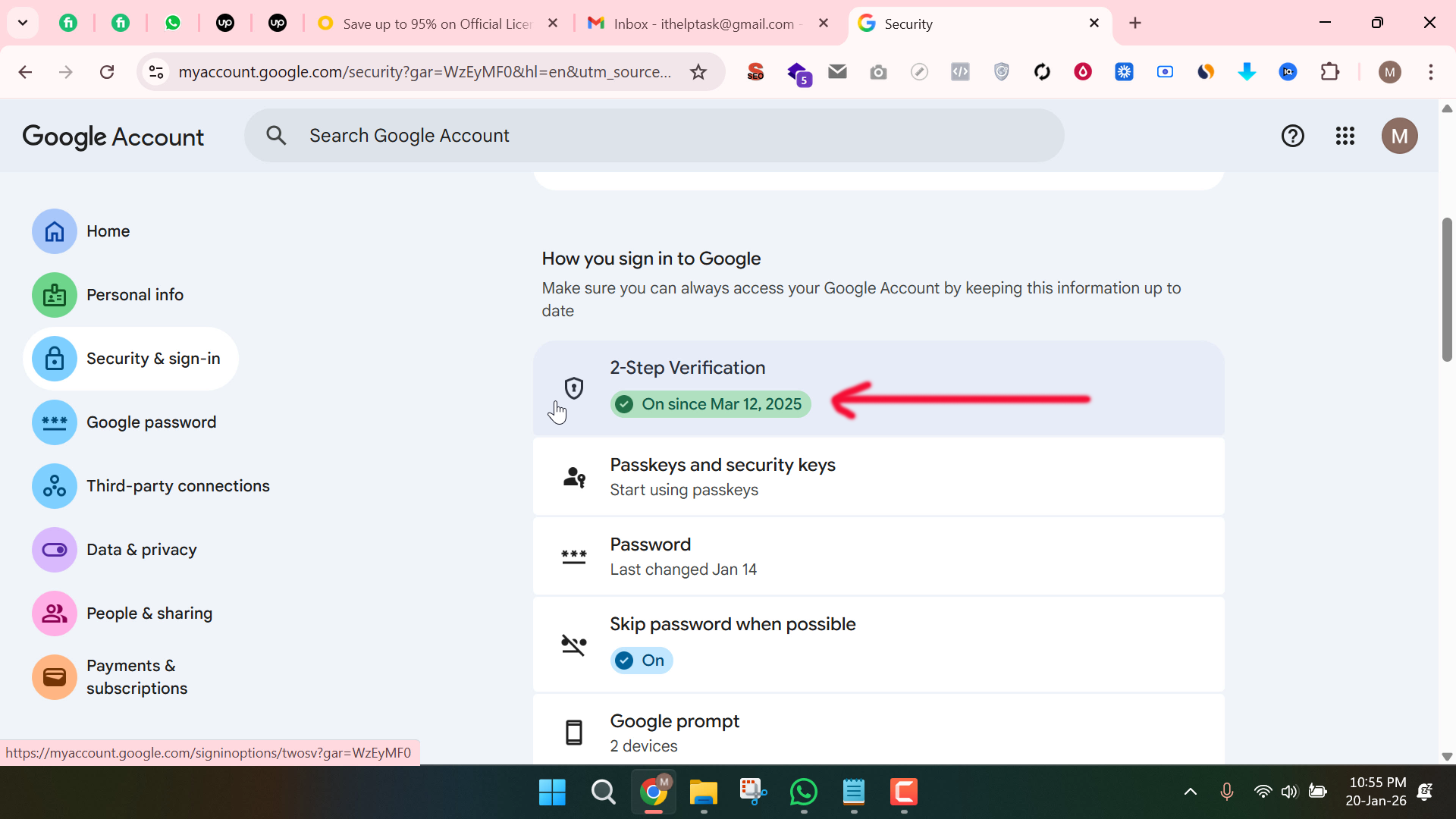
Step 5: Under the “Signing in to Google” area, make sure that Two-Step Verification is enabled.
If it is not enabled, you must activate it first by verifying your mobile number.
Step 6: Once Two-Step Verification is enabled, go to the search bar within your Google Account settings and type “App Passwords.”
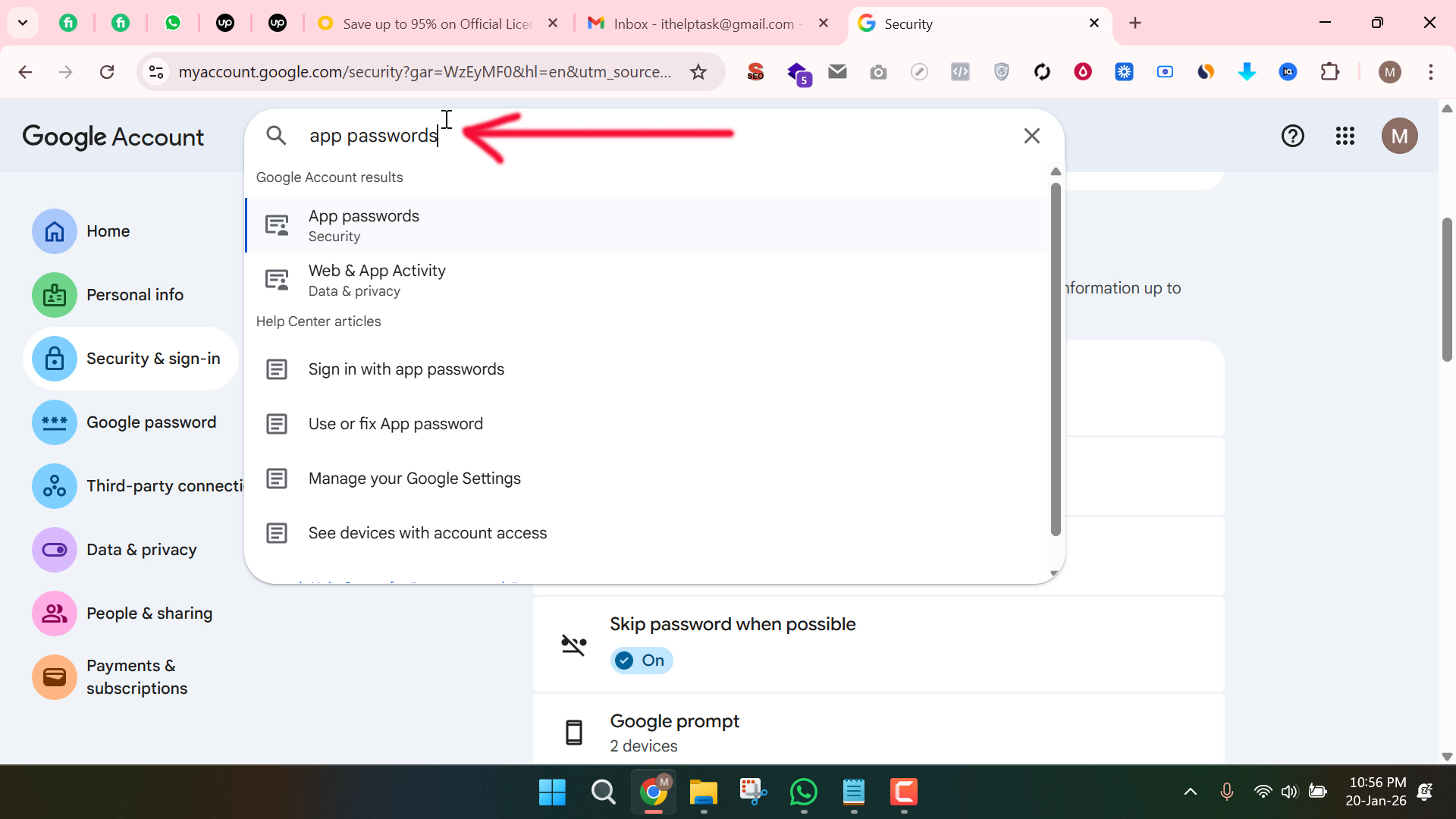
Step 7: Click on the App Passwords option from the search results.
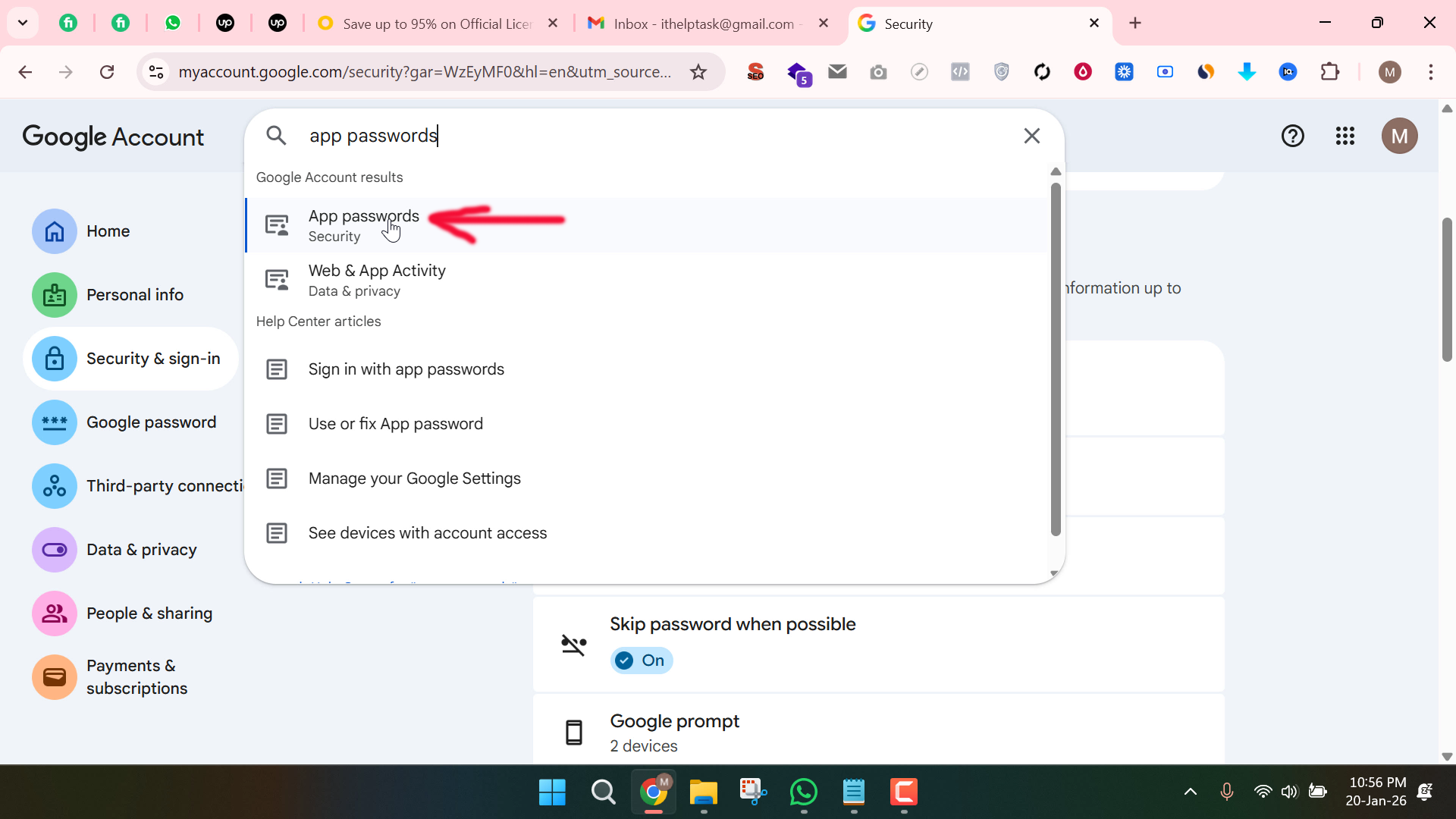
Step 8: Now, enter a name for your app (for example, Mail or SMTP) and click on the Create button.
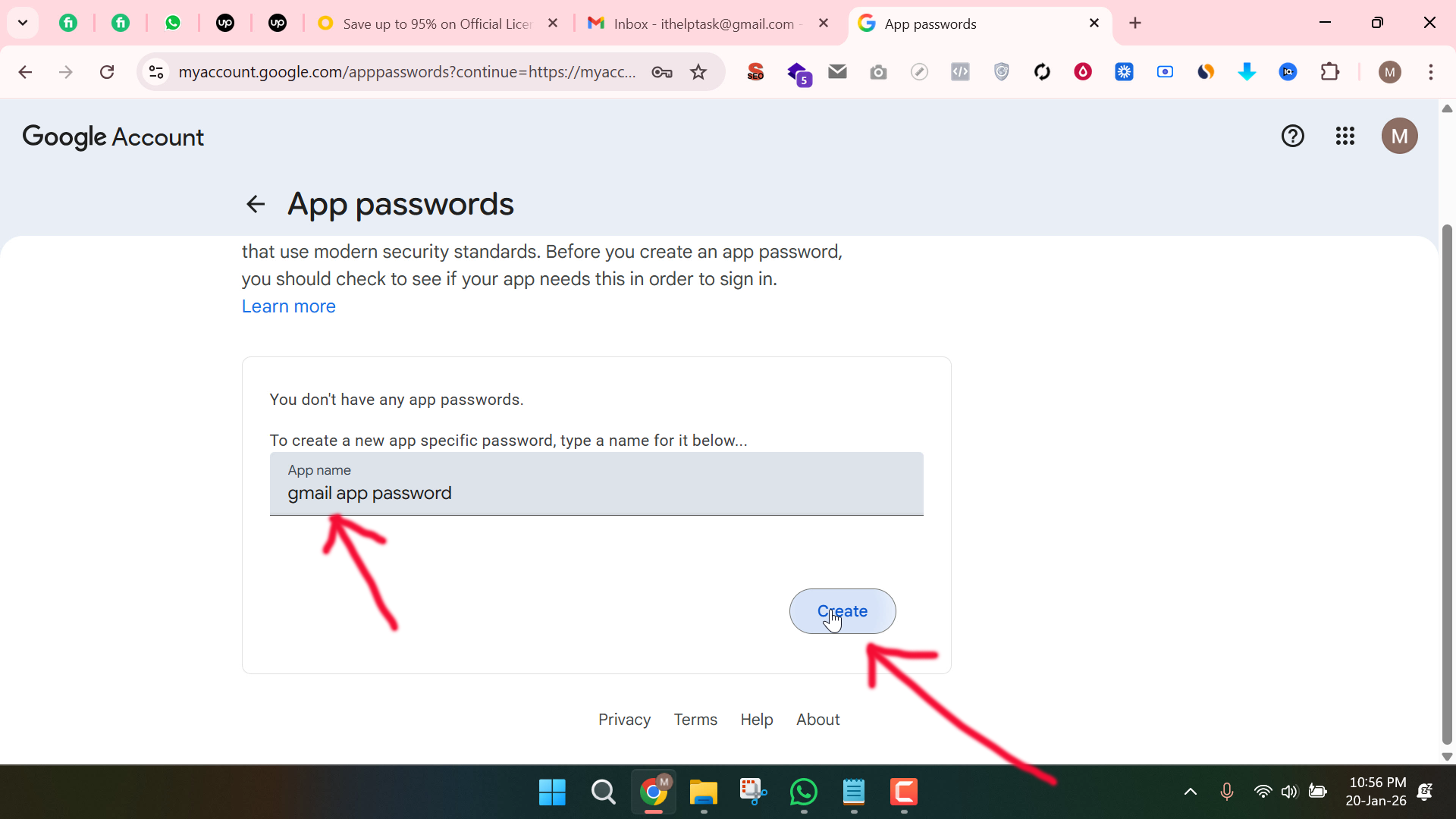
Google will then generate an App Password for you.
Use this password in your application or SMTP settings instead of your regular Gmail password.
That’s it! Your Gmail App Password is now ready to use.