

• We Accept •

🔒 100% Secure Checkout • Multiple Payment Options • Buyer Protection
$9.99
In Stock
About Crocoblock License Activation Service:
🔒 100% Secure Checkout • Multiple Payment Options • Buyer Protection
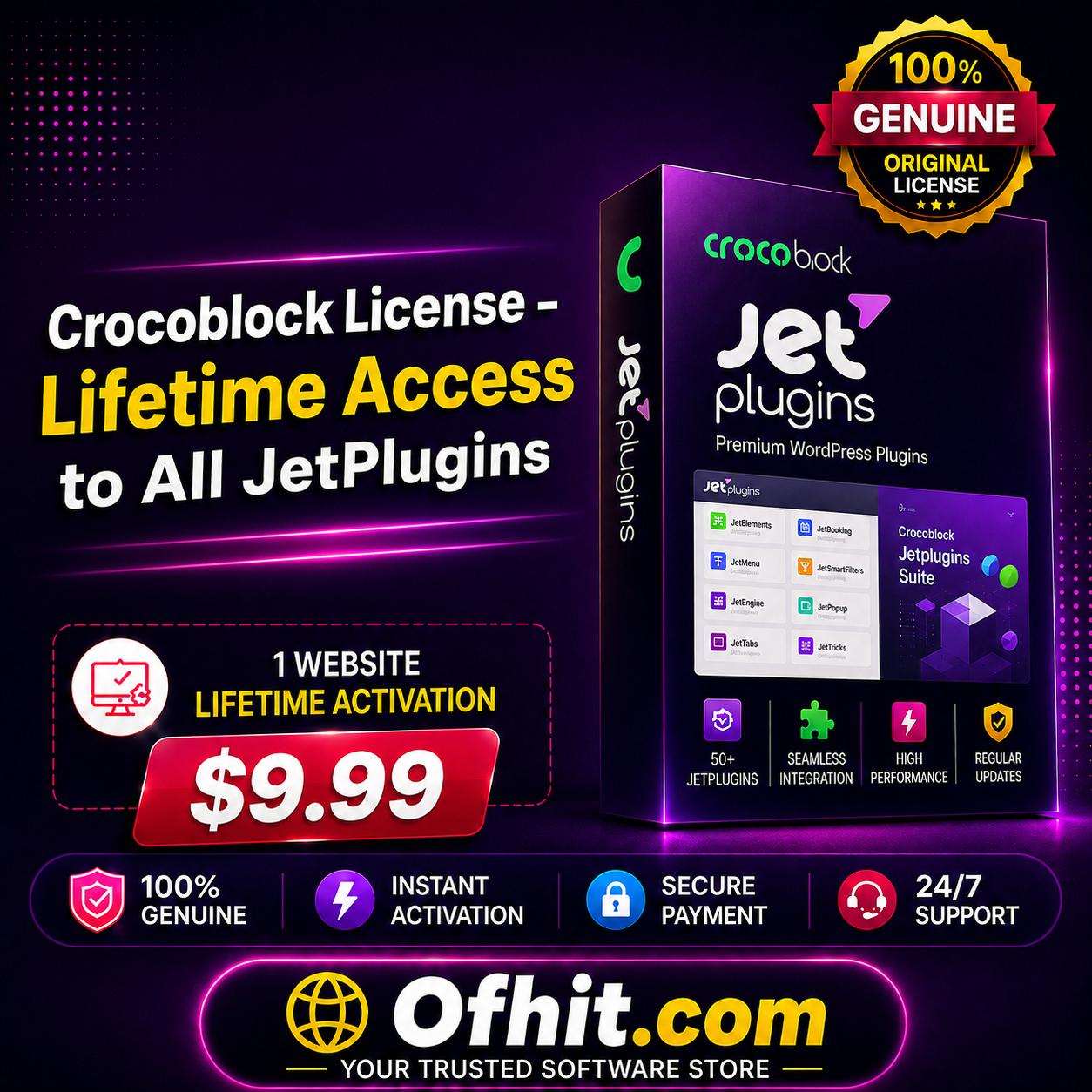
Looking for a Crocoblock License for your WordPress website? Crocoblock is a powerful toolkit for WordPress and Elementor that provides a collection of premium JetPlugins for creating dynamic websites, advanced WooCommerce stores, booking websites, directories, listings, custom content, advanced search and much more.
With a Crocoblock License, you can extend the functionality of WordPress and Elementor with powerful tools such as JetEngine, JetSmartFilters, JetWooBuilder, JetSearch, JetMenu, JetElements, JetBooking, JetAppointment, JetProductGallery and many other JetPlugins.
Our Crocoblock License activation service makes it easy to get the applicable Crocoblock license activated on your WordPress website without going through a complicated setup process.
Crocoblock is an all-in-one WordPress toolkit designed to help users build advanced websites with Elementor and WordPress.
Instead of installing multiple unrelated solutions for different website functions, Crocoblock provides a complete ecosystem of JetPlugins that work together to extend your website’s capabilities.
Whether you want to create a dynamic WordPress website, customize a WooCommerce store, build advanced filters, create custom post types, add appointment functionality or improve your website’s search experience, Crocoblock provides specialized tools for these tasks.
The Crocoblock ecosystem includes a wide range of JetPlugins for different WordPress and Elementor use cases.
JetEngine is one of the most powerful Crocoblock plugins for creating dynamic WordPress websites.
It allows you to create and manage:
JetEngine is particularly useful for directories, marketplaces, listing websites, membership websites and other dynamic WordPress projects.
JetSmartFilters provides advanced filtering functionality for WordPress and WooCommerce websites.
Create filters such as:
AJAX filtering can make it easier for visitors to find the products or content they need without repeatedly reloading the entire page.
JetWooBuilder is designed for WooCommerce stores and allows you to create customized product and shop layouts.
You can create custom:
This gives Elementor users greater control over the appearance and structure of WooCommerce stores.
JetSearch adds advanced search functionality to WordPress websites.
It can help visitors find products, posts and other website content more efficiently with an enhanced search experience.
JetMenu allows you to create advanced navigation and mega menus.
It is useful for websites with large numbers of categories, products or content sections where a standard navigation menu is not enough.
JetElements adds additional Elementor widgets and design elements to your website.
It can help Elementor users create more visually rich pages without having to develop every element from scratch.
JetBooking provides tools for creating booking functionality on WordPress websites.
It can be useful for:
JetAppointment is designed for appointment-based websites.
It can be used for websites that require customers to schedule appointments or services online.
JetProductGallery provides advanced product gallery functionality for WooCommerce websites.
It can help you create more engaging product image presentations and improve the visual experience of your online store.
JetPopup allows you to create custom popups for your WordPress website.
You can use popups for:
JetThemeCore provides tools for creating and managing custom theme templates and website sections.
It can be useful for creating customized headers, footers and other dynamic theme components.
JetGridBuilder helps you create advanced grid layouts for displaying dynamic content.
It is particularly useful when you need more flexibility than standard Elementor layouts provide.
JetFormBuilder provides advanced form-building functionality for WordPress websites.
It can be used for creating custom forms and workflows for different website requirements.
Crocoblock provides tools for building websites with advanced functionality without requiring you to develop every feature manually.
If you use Elementor, Crocoblock can significantly expand the available design and functionality options.
JetEngine provides powerful tools for creating dynamic content structures, listings and custom data.
Crocoblock includes several tools specifically designed for WooCommerce, allowing you to create customized product pages, filters, search systems and product layouts.
With JetBooking and JetAppointment, you can add booking and appointment functionality to suitable WordPress projects.
JetSearch and JetSmartFilters can help improve website navigation and product/content discovery.
Depending on the Crocoblock package activated for your website, you can benefit from features such as:
A Crocoblock License can be useful for a wide range of WordPress users.
Add advanced functionality to your existing WordPress website.
Get additional widgets and tools to extend Elementor beyond its standard functionality.
Create customized product pages, product archives, filters and search experiences.
Use a powerful collection of WordPress tools when working on client projects.
Build more advanced and visually customized websites for customers.
Use dynamic content, custom post types, relations, queries and other advanced functionality.
Crocoblock can provide a broad toolkit for different types of WordPress projects.
Getting started is simple.
Purchase the applicable Crocoblock License activation package from OFHIT.
After completing your order, provide the required website information according to the order instructions.
Our team will activate the applicable Crocoblock license on your WordPress website.
After successful activation, you can use the included JetPlugins and their available features according to the activated license.
At OFHIT, we aim to make WordPress plugin and license activation simple and convenient.
We focus on providing a quick and straightforward activation process.
No complicated technical process is required to place your order.
If you experience an issue related to the activation process, our support team can assist you.
Instead of dealing with a complicated manual activation process, you can request activation directly on your WordPress website.
A Crocoblock License provides access to Crocoblock’s applicable premium WordPress tools and JetPlugins according to the selected license plan.
Crocoblock offers a large collection of JetPlugins, including JetEngine, JetSmartFilters, JetWooBuilder, JetSearch, JetMenu, JetElements, JetBooking, JetAppointment and many others. The exact plugins included depend on the applicable Crocoblock plan.
Yes. Crocoblock provides many tools specifically designed to extend Elementor and create advanced WordPress websites.
Yes. Several Crocoblock plugins are designed specifically for WooCommerce, including tools for product layouts, filtering, search and product galleries.
JetEngine is used for creating dynamic content, custom post types, taxonomies, listings, relations, meta fields and other advanced WordPress functionality.
JetSmartFilters allows you to create advanced filters for products and dynamic content, making it easier for visitors to find specific information or products.
JetWooBuilder is a Crocoblock plugin for creating customized WooCommerce product, shop and archive layouts.
This product is offered as a license activation service. Plugin files are not supplied unless specifically stated in the package details.
Activation may require temporary administrator access to your WordPress website. The required information will be provided after ordering.
If your purchased package activates a Crocoblock Lifetime plan, updates are available according to that license’s terms. Please check the specific package details before ordering.
Usage depends on the license plan and its applicable terms. Please verify the number of websites and usage rights included with your selected package before using it on client projects.
Yes. Crocoblock provides several tools that can be useful for WooCommerce stores, especially for product layouts, filters, search, galleries and dynamic content.
Take your WordPress website to the next level with powerful Crocoblock JetPlugins.
Whether you are building a dynamic website, WooCommerce store, directory, booking website, listing platform or an Elementor-powered business website, Crocoblock provides a comprehensive set of tools to help you create advanced functionality with less development work.
Order your Crocoblock License from OFHIT and get started with powerful JetPlugins for your WordPress website.
 Crocoblock License – Lifetime Access to All JetPlugins
Best Selling - Plugins

Best Selling - Plugins






License Activation



Best Selling - Plugins

License Activation
ElementsKit All-in-One Bundle License Key Activation – Lifetime Update
Reviews
There are no reviews yet