

15
Feb
Feb
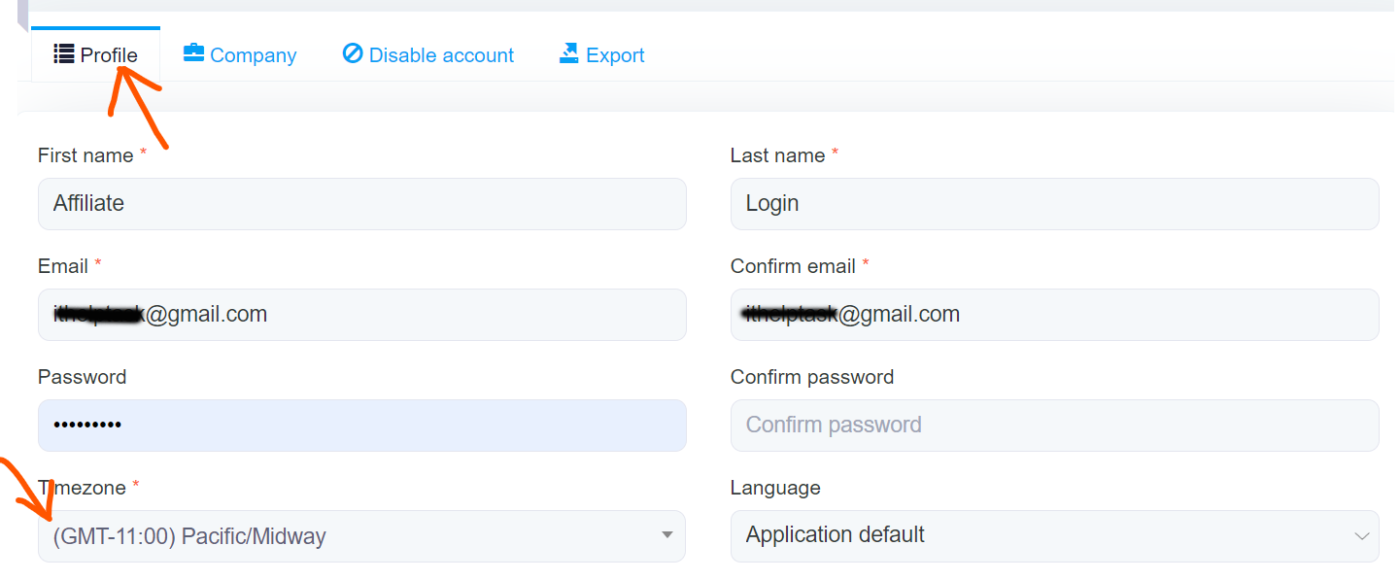
Now I will show you, The process to change MailWizz Timezone from an admin account or Customer account. Let’s start….. #Step 1: First log in to your Mailwizz from your admin account or customer account. #Step 2: Click on the Profile icon from the top right corner. #Step 3: Now click on the My Account Option. #Step 4: Then go to Timezone under the
